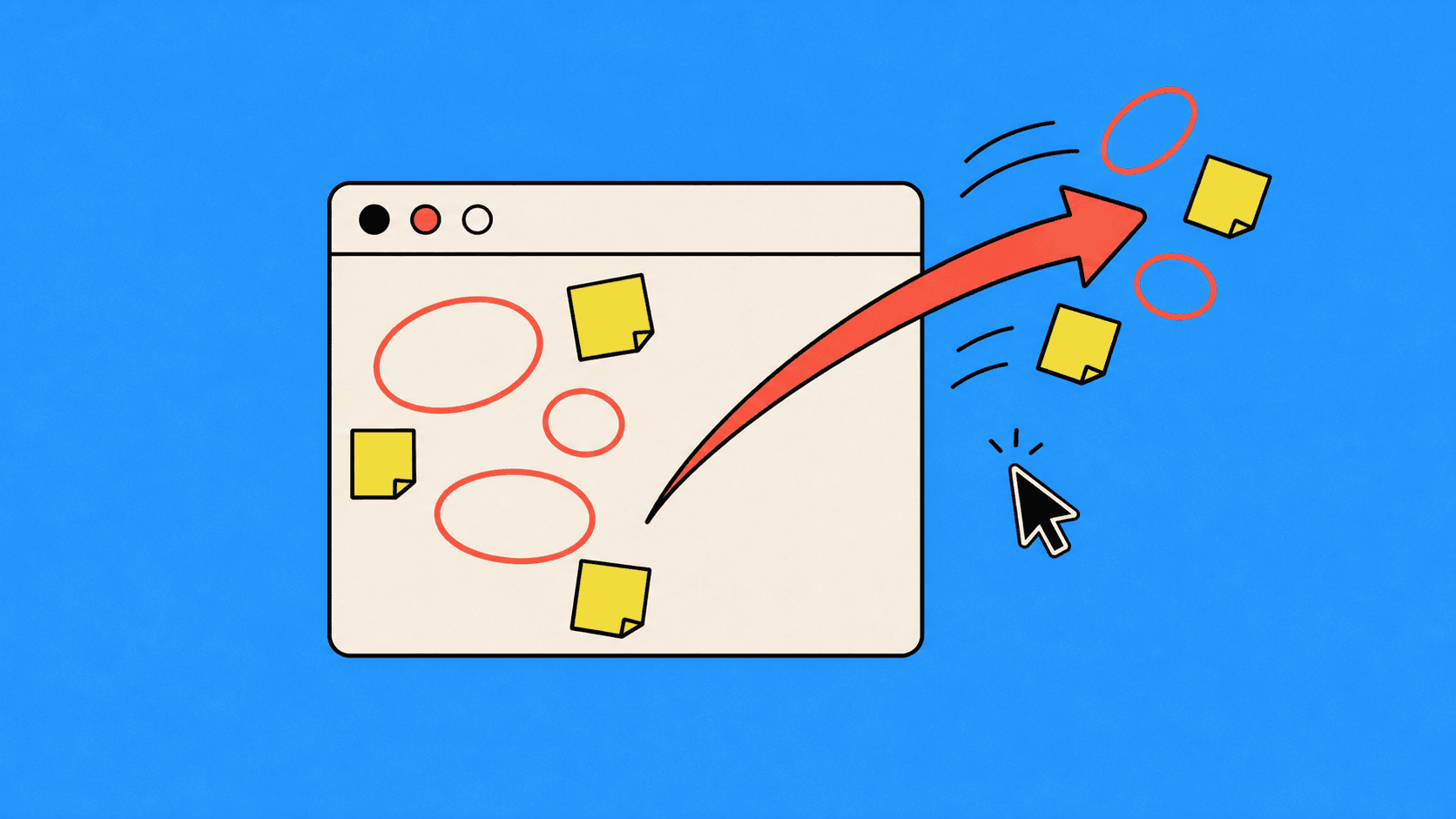
Collects your in-browser comments on a draft and applies them as edits.
Opens a document, web page, or image in your browser so you can highlight sections and leave comments, the way you would mark up a PDF. It then reads those comments and applies the edits directly to the source file.
Click Download skill above, double-click the file to unzip it, then ask Claude Code to install the folder for you. The full step-by-step is on the Skills page.